The SEO Tool Every Student, Blogger, and Business Owner Should Master
Google Search Console has always been one of the most trusted free SEO tools for website owners. In 2026, Google introduced several improvements that make it easier to monitor website performance, identify technical issues, and understand how your content performs in search results. Whether you’re a beginner learning SEO or someone planning a digital marketing career, understanding these updates can give you a real advantage.
If you’re a college student, fresher, internship seeker, or aspiring digital marketer, learning these new features today can help you build practical skills that employers value. Many learners enrolled in the best digital marketing course in indore are already using these tools to gain real-world experience before entering the job market.
Imagine This…
Riya was a final-year BBA student looking for an internship in digital marketing. She had completed several online courses but struggled to prove her practical knowledge during interviews.
One interviewer asked,
“Have you ever worked with Google Search Console?”
She had heard the name but never used it.
The interview ended quickly.
Instead of giving up, Riya started learning SEO from scratch. She created a small blog, connected it with Google Search Console, and began analyzing clicks, impressions, indexing reports, and keyword performance.
Within three months, she confidently explained technical SEO during interviews and secured a digital marketing internship in indore at a reputed company.
Her story is becoming increasingly common because employers now expect candidates to understand practical SEO—not just theory.
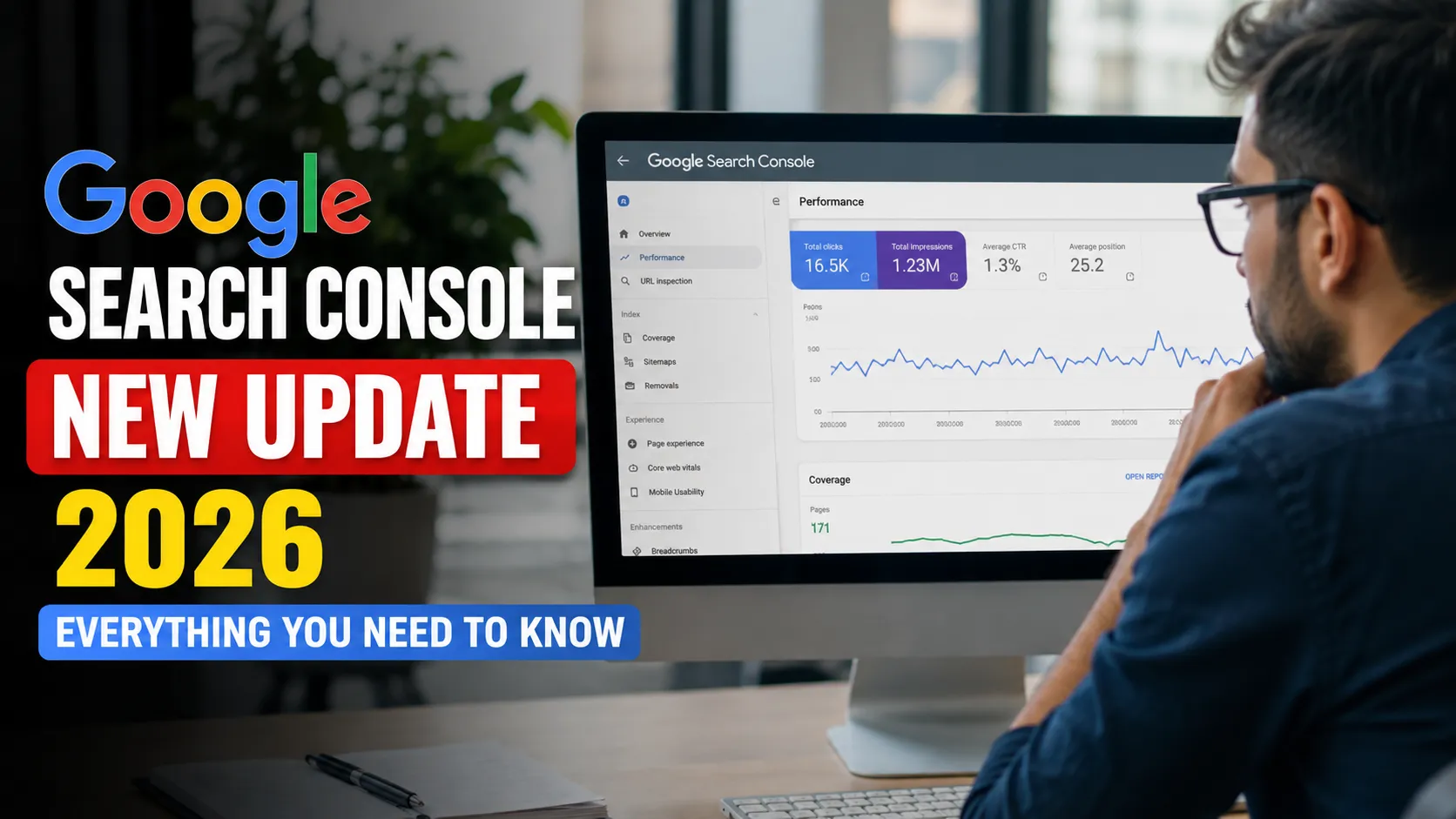
Why the Google Search Console New Update 2026 Matters
Every year Google makes improvements to help website owners understand how their sites perform in search.
The 2026 update focuses on making SEO reports more accurate, easier to understand, and more actionable.
Instead of simply showing numbers, the platform now provides better insights that help users answer questions like:
- Why is traffic dropping?
- Which pages deserve optimization first?
- Which keywords are growing?
- What technical issues affect rankings?
- Which pages have indexing problems?
For students learning SEO, these improvements reduce the learning curve significantly.
If you’re preparing for interviews after completing internship training courses, knowing how to interpret these reports can set you apart from other candidates.
Google Search Console Update Timeline
| Year | Major Improvement | Impact |
|---|---|---|
| 2023 | Search Appearance Reports | Better SERP understanding |
| 2024 | Enhanced Index Coverage | Faster error detection |
| 2025 | Performance Insights | Easier traffic analysis |
| 2026 | AI-powered SEO Insights, Better Reporting, Enhanced Crawl Diagnostics | Smarter optimization decisions |
This evolution shows that Google is making SEO more data-driven while simplifying the experience for beginners.
Google Search Console New Update 2026: Key Objectives
The latest update isn’t just about adding new reports.
Google designed it to help website owners:
- Understand ranking opportunities faster
- Improve indexing efficiency
- Detect technical SEO issues early
- Monitor content quality
- Make better optimization decisions using clearer data
This means beginners spend less time trying to understand complicated reports and more time improving their websites.
Google Search Console New Update Helps Beginners Learn Faster
Learning SEO used to involve multiple tools.
Now many important metrics are available inside Google Search Console itself.
Students taking the digital marketing course in indore often use Search Console during practical sessions because it teaches real website analysis instead of theoretical concepts.
The update simplifies reports with cleaner visuals and more meaningful recommendations.
Instead of overwhelming beginners, it guides them step by step.
What Makes the 2026 Update Different?
Previous versions focused mainly on collecting data.
The new version focuses on helping users understand that data.
Some noticeable improvements include:
Google Search Console Gives Better Performance Insights
Website owners can now identify:
- Pages losing rankings
- Pages gaining visibility
- Seasonal traffic changes
- Emerging search trends
This makes content optimization much easier.
Google Search Console Improves Crawl Diagnostics
One of the biggest challenges in SEO is identifying crawl issues.
The new update provides:
- Better explanations of crawl errors
- Priority recommendations
- Faster reporting
- Simplified technical language
Even someone new to SEO can understand what needs fixing.
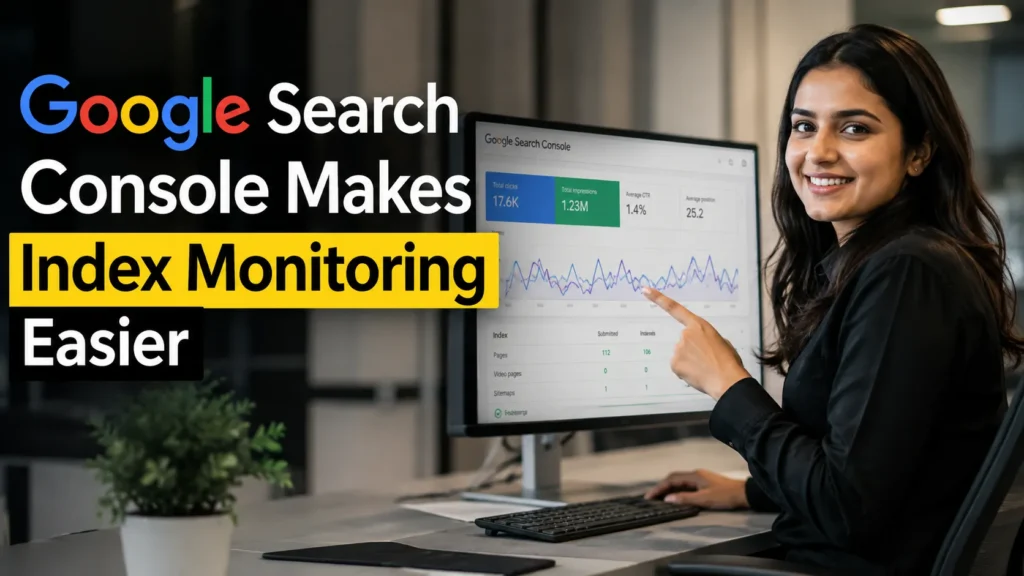
Google Search Console Makes Index Monitoring Easier
Many beginners don’t realize their pages aren’t indexed until weeks later.
The latest reports provide clearer indexing status and highlight important pages that require immediate attention.
This helps reduce lost organic traffic.
Real-Life Example
A small educational blog published 60 articles over six months.
The owner believed everything was working correctly.
After checking Google Search Console, they discovered:
- 18 pages were not indexed.
- 12 pages had mobile usability issues.
- Several articles had declining impressions.
After fixing these issues:
- Organic clicks increased by 42%.
- Indexed pages rose significantly.
- Average ranking improved within weeks.
This example shows why understanding Search Console can directly improve website performance.
Why Students Should Learn Google Search Console in 2026
SEO has become one of the fastest-growing digital skills.
Companies hiring freshers no longer look only for certificates.
They want candidates who understand real tools.
Students learning at the top digital marketing institute in indore often practice on live websites because employers value hands-on experience.
Knowing Google Search Console demonstrates that you can:
- Analyze website performance
- Track keyword rankings
- Solve technical SEO issues
- Improve search visibility
- Support content marketing strategies
These practical skills strengthen your resume and improve interview confidence.
Skills You Build While Using Google Search Console
Working regularly with Search Console helps you develop:
- Keyword research understanding
- Technical SEO knowledge
- Website auditing skills
- Performance analysis
- Content optimization
- Index management
- Core Web Vitals awareness
- Search analytics interpretation
These are among the most requested SEO skills in today’s hiring market.
Many learners attending digital marketing training in indore combine these skills with internships to gain industry-ready experience.
Quick Statistics That Show Why Search Console Matters
- Over 90% of online experiences begin with a search engine.
- Organic search continues to generate one of the highest long-term returns in digital marketing.
- Websites that regularly monitor technical SEO issues often resolve indexing problems faster than those relying only on analytics tools.
- Businesses using Search Console insights can identify opportunities to improve click-through rates through better titles and descriptions.
These trends highlight why learning Search Console is no longer optional for aspiring digital marketers.
Expert Insight
SEO professionals consistently recommend checking Google Search Console before making major website changes.
Why?
Because the platform provides data directly from Google Search, making it one of the most reliable sources for understanding how your website performs.
Instead of guessing what is wrong, you can make decisions backed by real search data.
For students preparing for careers in SEO, content marketing, or digital strategy, this practical experience becomes a valuable advantage during interviews.
Google Search Console New Update 2026 Features Explained
The Google Search Console update in 2026 focuses on one goal: helping website owners understand their SEO performance faster and take action with confidence.
Earlier versions mainly displayed reports and numbers. The latest version presents information in a way that’s easier to interpret, allowing beginners and professionals to identify opportunities without spending hours analyzing data.
If you’re learning SEO through the best internship courses or gaining hands-on experience during a digital marketing internship in indore, these improvements will make your daily workflow much smoother.
Why Google Introduced This Update
Search is evolving rapidly. Websites publish millions of new pages every day, and search algorithms continue to become more intelligent.
To help website owners keep pace, Google improved Search Console to:
- Reduce confusion around technical reports
- Surface important SEO issues sooner
- Help users prioritize optimization tasks
- Improve reporting accuracy
- Support better decision-making
This means you can spend less time searching for problems and more time improving your website.
Google Search Console New Features in 2026
Let’s explore the most valuable improvements.
Google Search Console AI-Powered Performance Insights
One of the biggest highlights of the update is smarter performance analysis.
Instead of only displaying clicks and impressions, reports now make it easier to identify patterns such as:
- Pages gaining visibility
- Pages losing traffic
- Seasonal search changes
- High-potential keywords
- Declining content performance
Why This Matters
Imagine you published 50 blog posts.
Previously, you had to manually compare reports.
Now it’s much easier to discover which pages deserve immediate attention.
Instead of updating every article, you can focus on the few pages that will have the biggest SEO impact.
Google Search Console Improved Indexing Reports
Indexing remains one of the most important parts of SEO.
If Google doesn’t index your page, it cannot appear in search results.
The 2026 update makes indexing reports easier to understand.
You can quickly identify:
- Indexed pages
- Crawled but not indexed pages
- Duplicate pages
- Pages blocked by robots.txt
- Noindex issues
- Redirect-related problems
Real Example
A startup website had over 120 blog posts.
After reviewing Google Search Console, they discovered that nearly 30 pages had never been indexed.
After fixing internal linking and sitemap issues:
- Organic traffic increased steadily.
- More pages appeared in Google Search.
- New articles started ranking much faster.
Google Search Console Better Crawl Diagnostics
Technical SEO can seem intimidating.
The updated crawl reports simplify error identification.
Instead of cryptic technical messages, reports now help users understand:
- Why Google couldn’t crawl a page
- Which errors need immediate attention
- Which warnings are less critical
- Suggested areas to investigate
This saves beginners from spending hours researching every issue.
Google Search Console Enhanced Search Performance Reports
Performance reports have become even more useful.
You can now analyze:
- Clicks
- Impressions
- Average Position
- Click-Through Rate (CTR)
- Device performance
- Country-specific traffic
- Search appearance
- Individual page trends
This helps marketers make smarter content decisions.
Google Search Console Supports Better Content Optimization
One common SEO mistake is updating content without checking actual search data.
The new reports help answer questions like:
- Which keywords are growing?
- pages have declining CTR?
- Which articles deserve updating?
- pages need stronger titles?
Content optimization becomes much more strategic.
Comparison Table: Old vs New Google Search Console
| Feature | Earlier Version | 2026 Update |
|---|---|---|
| Performance Reports | Basic metrics | Smarter insights with clearer trends |
| Crawl Reports | Technical and complex | Easier explanations and prioritization |
| Index Coverage | Standard reporting | More detailed indexing diagnostics |
| SEO Recommendations | Limited | Better guidance for optimization |
| User Experience | Data-heavy | More beginner-friendly |
| Issue Identification | Manual analysis | Faster detection of important issues |
The improvements make Google Search Console easier to use for learners while remaining powerful enough for experienced SEO professionals.
Step-by-Step Guide to Using Google Search Console After the 2026 Update
Whether you manage a personal blog or a business website, following a structured workflow can save time.
Step 1: Open the Performance Report
Start by reviewing:
- Total clicks
- Total impressions
- Average position
- CTR
Look for unusual changes compared to previous weeks.
Step 2: Check Indexing
Visit the indexing section and confirm:
- Important pages are indexed.
- No valuable pages are excluded.
- New blog posts appear correctly.
Step 3: Review Crawl Issues
Fix high-priority crawl errors first.
Ignore minor warnings until critical issues are resolved.
Step 4: Analyze Keywords
Identify:
- Growing keywords
- Declining keywords
- High-impression, low-click queries
These often present quick SEO opportunities.
Step 5: Improve Low CTR Pages
If impressions are high but clicks remain low:
- Rewrite page titles.
- Improve meta descriptions.
- Add stronger value propositions.
Small changes can significantly improve organic traffic.
Step 6: Update Older Content
Older articles often lose rankings over time.
Refresh them by:
- Adding current statistics
- Improving readability
- Updating screenshots
- Including new examples
- Expanding useful sections
Mini Case Study
A career guidance website noticed a 28% decline in traffic.
Instead of publishing more articles, the team analyzed Google Search Console.
They found:
- Several pages had dropped from Position 5 to Position 12.
- CTR had decreased despite steady impressions.
- Meta titles no longer matched user intent.
After rewriting titles, updating content, and fixing internal links:
- Organic clicks increased by 37%.
- Average ranking improved.
- User engagement also increased.
The lesson? Sometimes improving existing content delivers better results than constantly creating new pages.
How Students Can Practice These Features
You don’t need a large business website to learn SEO.
Start with:
- A personal portfolio
- A college project website
- A blog about your interests
- A local business website (with permission)
Then connect it to Google Search Console and monitor how your pages perform over time.
Many students enrolled in digital marketing classes in indore use this approach to build practical experience that they can showcase during interviews.
Common SEO Tasks You Can Perform with Google Search Console
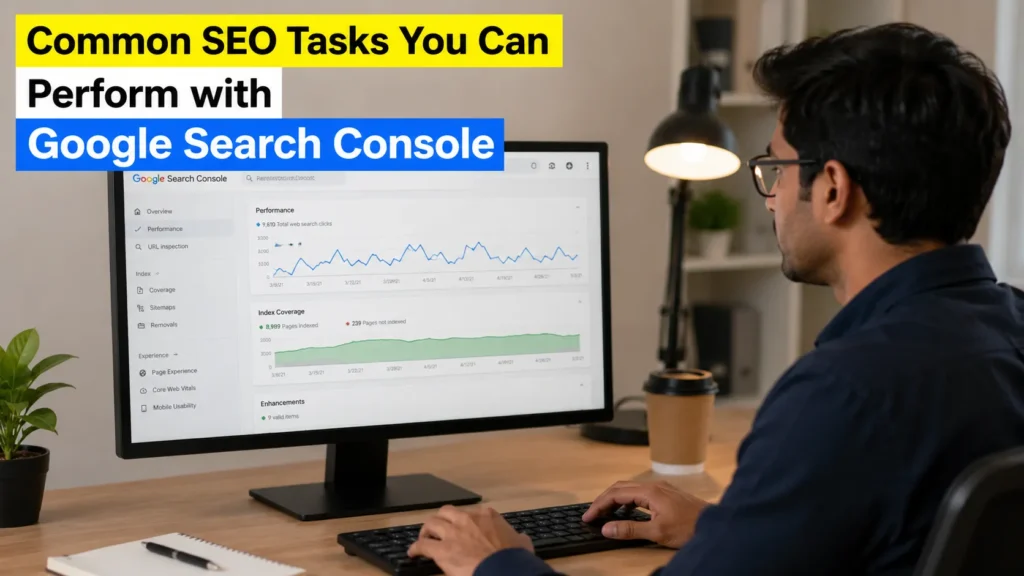
Once you’re comfortable with the platform, you’ll be able to:
- Monitor keyword rankings
- Discover content opportunities
- Fix indexing problems
- Improve page visibility
- Optimize existing articles
- Track SEO growth
- Identify technical issues before they affect rankings
These are exactly the kinds of skills employers look for when hiring fresh graduates and entry-level digital marketers.
Learners studying at the best digital marketing institute in indore often include Search Console projects in their portfolios because they demonstrate practical SEO expertise rather than just theoretical knowledge.
Advanced SEO Strategies with Google Search Console
Learning the basics is only the first step. The real advantage comes when you use Google Search Console to improve your content consistently instead of checking reports occasionally.
Successful websites don’t always publish more articles—they publish smarter articles based on real search data.
If you’re building your portfolio through internship training courses or preparing for interviews after completing the best digital marketing course in indore, these advanced strategies will help you think like an SEO professional.
Use Google Search Console to Find Hidden Keyword Opportunities
Many pages rank on the second page of Google without website owners realizing it.
Open the Performance Report and look for keywords that are:
- Ranking between positions 8–20
- Getting high impressions
- Receiving low clicks
These keywords often require only small improvements to move onto the first page.
Practical Example
Suppose your article ranks #11 for a valuable keyword.
Instead of writing a completely new blog, you can:
- Improve the introduction.
- Add updated statistics.
- Include FAQs.
- Strengthen internal links.
- Refresh the title and meta description.
This approach usually delivers better results than starting from scratch.
Improve Click-Through Rate (CTR)
Ranking well doesn’t always guarantee traffic.
Sometimes users simply choose another result because it has a more attractive title.
When Google Search Console shows:
- High impressions
- Low CTR
it’s a sign that your page title or meta description needs improvement.
Example
Instead of:
“SEO Tips”
Use something more compelling:
“15 SEO Tips That Increased Organic Traffic by 70%”
Small changes like these can improve clicks without changing rankings.
Refresh Existing Content Regularly
Google rewards helpful, updated content.
Every few months, review your important articles and:
- Add new examples.
- Update screenshots.
- Replace outdated statistics.
- Improve readability.
- Expand thin sections.
- Answer newly popular questions.
This simple habit keeps your content relevant and competitive.
Strengthen Internal Linking
Many websites lose rankings because valuable pages receive very few internal links.
Whenever you publish a new article:
- Link to related guides.
- Update older posts with links to the new content.
- Use descriptive anchor text.
- Avoid linking every paragraph.
Good internal linking helps both users and search engines.
Monitor Mobile Performance
Most users now search using smartphones.
Review mobile performance regularly to identify pages with:
- Slow loading
- Layout issues
- Poor usability
A mobile-friendly website often performs better in search results.
Common SEO Mistakes Beginners Make
Even experienced marketers occasionally make these mistakes.
Learning to avoid them early can save months of work.
Ignoring Search Console Reports
Many people connect their website once and never return.
Instead, review your reports every week.
Publishing Without Checking Indexing
Never assume Google has indexed your latest article.
Always verify that important pages appear in the indexing report.
Chasing Every Keyword
Trying to rank for hundreds of unrelated keywords often weakens your content.
Focus on search intent first.
Quality beats quantity.
Updating Content Without Data
Guesswork rarely produces consistent SEO results.
Use Google Search Console to understand which pages actually need attention.
Forgetting Meta Titles
Great content deserves great titles.
A weak title reduces clicks even when rankings remain high.
SEO Checklist for Every Blog Post
Use this checklist before publishing or updating any article.
Content Checklist
Helpful introduction
Clear headings
Reader-friendly formatting
Updated information
Real examples
Relevant FAQs
Technical Checklist
Indexed successfully
Mobile-friendly
Fast loading
Internal links added
Broken links fixed
SEO Checklist
Focus keyword used naturally
Meta title optimized
Meta description written
Images include descriptive alt text
Search intent satisfied
Actionable Tips You Can Apply Today
Here are practical steps that produce measurable improvements over time:
- Review your Search Console reports every week.
- Update one older article each month.
- Improve titles with low CTR.
- Fix indexing issues as soon as they appear.
- Publish content that answers real user questions.
- Build strong internal links between related articles.
- Monitor keyword performance instead of guessing.
Consistency matters more than making dozens of changes at once.
Success Story
A final-year engineering student wanted to become an SEO executive.
He started a simple technology blog and connected it with Google Search Console.
At first:
- Only a few pages were indexed.
- Organic traffic was almost zero.
- Most articles ranked beyond page three.
Rather than giving up, he reviewed the reports every week.
He improved page titles, fixed indexing issues, refreshed older articles, and added internal links.
Within six months:
- Organic traffic increased significantly.
- Several articles reached Google’s first page.
- His blog became a strong portfolio during interviews.
That practical experience helped him secure a position after completing digital marketing training in indore.
The biggest lesson from his journey was simple: understanding data is more valuable than memorizing SEO theory.
Industry Trends You Should Watch
SEO continues to evolve, and staying updated is essential.
Some of the biggest trends shaping search in 2026 include:
- AI-assisted search experiences
- Greater emphasis on helpful, people-first content
- Better understanding of search intent
- Stronger focus on website experience
- Increased importance of technical SEO
- Continuous content optimization instead of one-time publishing
Professionals who regularly use Google Search Console can adapt to these trends more effectively because they base decisions on real search performance.
Visual Content Suggestions
To make this article more engaging on TheInternSpire, consider adding these visuals throughout the blog:
Infographic 1: SEO Workflow
Publish Content → Request Indexing → Track Performance → Improve Content → Gain More Traffic
Infographic 2: Search Console Process
Website → Google Bot → Crawling → Indexing → Ranking → Performance Report
Infographic 3: Weekly SEO Routine
Monday → Check Performance
Wednesday → Review Indexing
Friday → Update Low-Performing Pages
Sunday → Plan New Content
These visuals improve readability and encourage readers to stay on the page longer.
Interactive Questions for Readers
Encourage engagement by asking questions such as:
- Have you connected your website to Google Search Console yet?
- Which Search Console report do you use most often?
- Have you ever discovered an indexing issue affecting your traffic?
- Which SEO skill would you like to master next?
Inviting readers to comment can increase interaction and build a stronger community around your content.
Frequently Asked Questions About Google Search Console
1. What is Google Search Console used for?
Google Search Console is a free tool that helps website owners monitor their website’s performance in Google Search. It allows you to check keyword rankings, fix indexing issues, monitor website health, analyze organic traffic, and improve SEO performance.
2. Is Google Search Console free?
Yes. Google Search Console is completely free and can be used by bloggers, businesses, students, SEO professionals, and website owners.
3. Can beginners learn Google Search Console?
Absolutely.
The interface has become much more beginner-friendly after the 2026 update. With regular practice, even students with no previous SEO experience can understand reports and improve website performance.
Many learners enrolled in the best digital marketing institute in indore start their practical SEO journey with Search Console because it provides real data directly from Google.
4. How often should I check Google Search Console?
A weekly review is recommended.
Regular monitoring helps you:
- Detect indexing issues early.
- Monitor keyword growth.
- Identify traffic drops.
- Improve underperforming pages.
- Track overall SEO progress.
5. Does Google Search Console improve rankings?
The tool itself doesn’t increase rankings.
However, the insights it provides help you fix technical problems, optimize content, improve indexing, and make informed SEO decisions that can lead to better search visibility over time.
6. Is Google Search Console useful for students?
Yes.
Students interested in SEO, blogging, digital marketing, or content marketing can use it to gain practical experience before applying for jobs or internships.
Employers often appreciate candidates who can demonstrate hands-on knowledge of real SEO tools instead of relying only on certifications.
Quick Recap: What You Learned
By now, you understand that Google Search Console is much more than a reporting platform.
It helps you:
- Monitor website performance.
- Find valuable keyword opportunities.
- Improve click-through rates.
- Detect technical SEO issues.
- Fix indexing problems.
- Analyze search performance.
- Make smarter content decisions.
- Build practical SEO skills.
Whether you’re managing a personal blog or preparing for a career in digital marketing, these capabilities can make a measurable difference.
Final Checklist Before You Publish Any Blog
Before clicking the Publish button, make sure you’ve completed the following:
Content
Helpful introduction
Clear and descriptive headings
Easy-to-read paragraphs
Updated statistics
Real-life examples
Actionable advice
FAQs included
SEO
Focus keyword used naturally
Optimized meta title
Optimized meta description
Internal links added
Relevant external references
Images with descriptive alt text
Proper heading hierarchy
Technical
Page indexed successfully
Mobile-friendly layout
Fast loading speed
No broken links
Schema markup (if applicable)
Following this checklist consistently can improve both user experience and search performance.
Final Expert Recommendations
SEO is no longer about finding shortcuts.
Google increasingly rewards websites that publish original, useful, and trustworthy content.
The 2026 update to Google Search Console reflects this shift by helping website owners focus on meaningful improvements rather than vanity metrics.
To build long-term SEO success:
- Review your Search Console reports every week.
- Update existing content instead of only creating new articles.
- Solve indexing and crawl issues promptly.
- Optimize pages with high impressions but low CTR.
- Write content that genuinely answers users’ questions.
- Keep learning as Google Search continues to evolve.
Small, consistent improvements often produce better results than occasional large changes.
Why Learning Google Search Console Can Boost Your Career
If you’re a final-year student, fresher, or career starter, practical SEO skills can help you stand out in a competitive job market.
Working with Google Search Console teaches you how search engines interact with websites, how users discover content, and how to improve online visibility using real data.
To gain even more practical exposure, consider enrolling in the digital marketing course in indore, joining courses with internship in indore, or choosing internship training in indore that includes live projects. Hands-on experience through an internship with certificate in indore or a paid internship in indore can strengthen your resume and prepare you for real client work.
If you’re searching online for internship near me, internship institute near me, digital marketing training near me, placement training institute in indore, job oriented courses in indore, or the best skill development institute in indore, prioritize programs that combine classroom learning with practical SEO tools like Google Search Console. Choosing the best internship company in indore can give you exposure to live websites, mentorship, and portfolio-building opportunities that employers value.
Conclusion
The Google Search Console New Update 2026 makes one of Google’s most powerful SEO tools even more useful for beginners and professionals alike. From clearer performance reports and improved indexing insights to simplified crawl diagnostics and smarter optimization opportunities, the update helps you make better SEO decisions based on real search data.
For students, fresh graduates, bloggers, and aspiring digital marketers, mastering Google Search Console is an investment in future career growth. It equips you with practical skills that go beyond theory and prepares you to contribute confidently in internships, freelance projects, and full-time roles.
The best time to start isn’t after your next course or interview—it’s today. Connect your website, explore the reports, apply what you learn, and improve a little every week. Over time, those small improvements can lead to significant growth in traffic, rankings, and professional confidence.
Ready to Build Your Digital Marketing Career?
If you want to turn SEO knowledge into practical experience, TheInternSpire can help you take the next step.
Whether you’re looking for the best digital marketing course in indore, digital marketing classes in indore, digital marketing training in indore, or best internship courses, TheInternSpire offers industry-focused learning, live projects, internship opportunities, and career guidance designed for students and freshers.
Start learning today, practice with Google Search Console, build your portfolio, and move one step closer to becoming a skilled digital marketing professional.